
Description
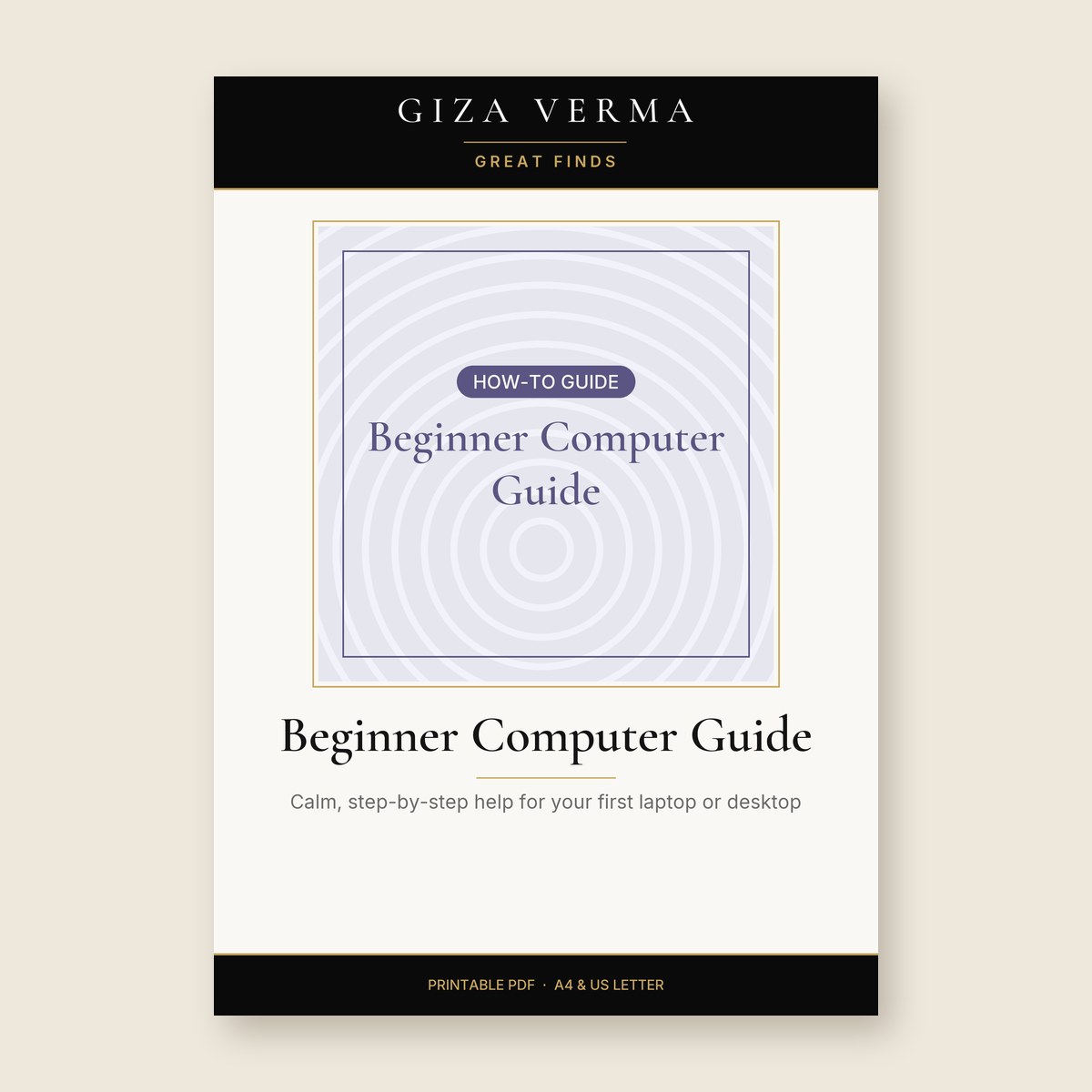
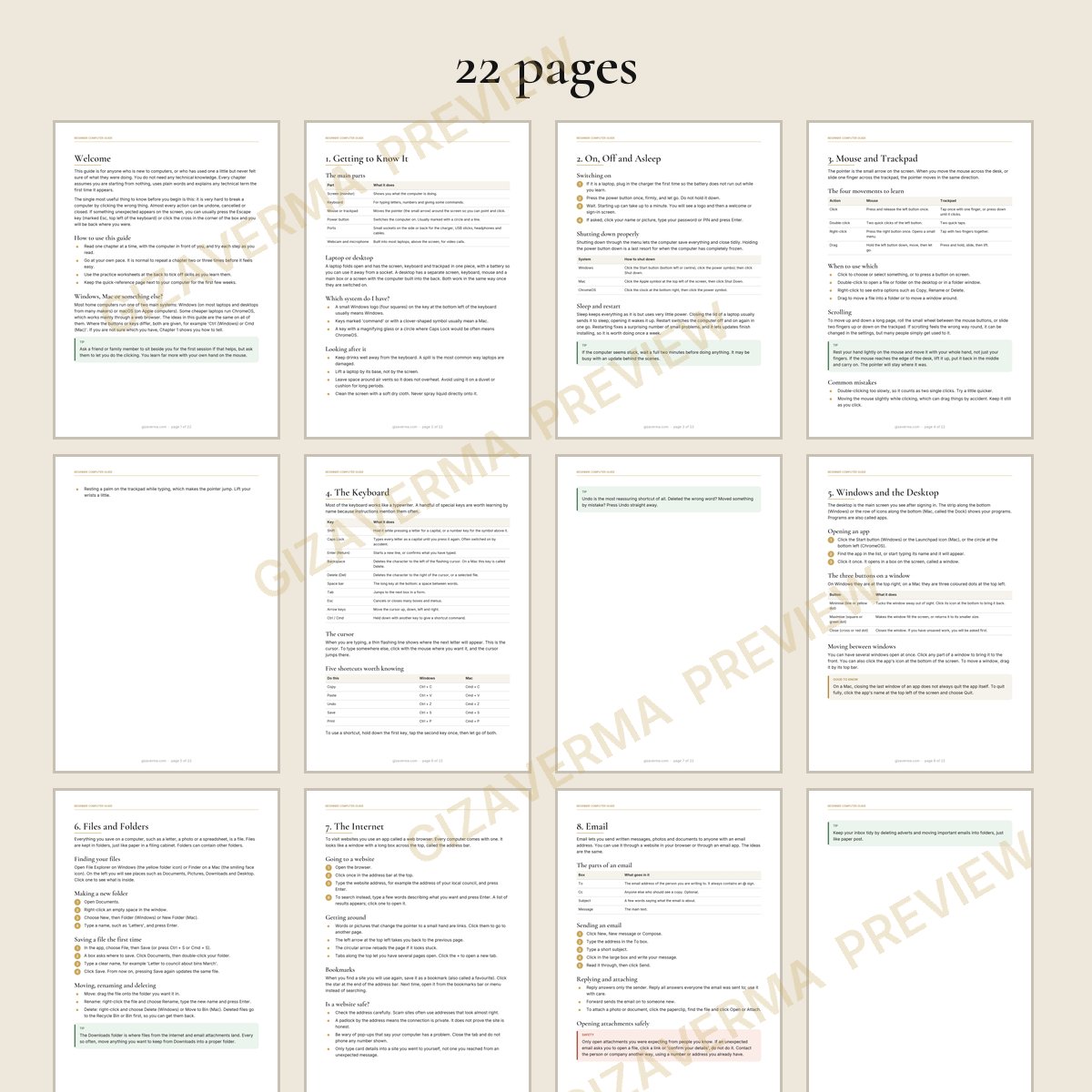
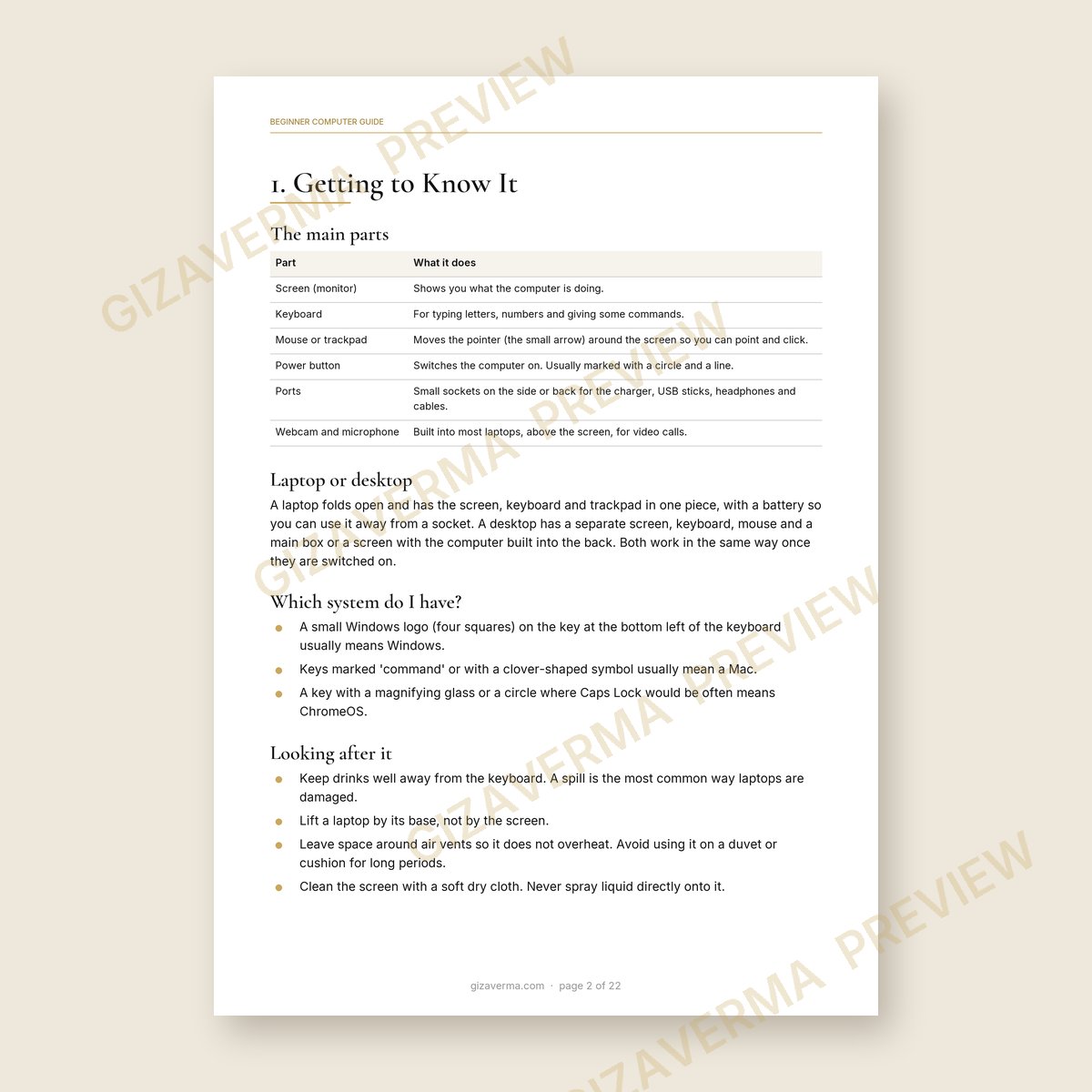
If computers have always felt like someone else's territory, this guide starts at the very beginning. It explains what the parts are, how to switch on and shut down properly, and how to use a mouse, trackpad and keyboard without fear of breaking anything. Then it moves gently through windows, files and folders, browsing the internet, sending email, video calls, printing and keeping your computer up to date. A whole chapter covers spotting scams. There is a glossary, a quick-reference page and worksheets for practice, passwords hints and a record of your own computer's details.
What you get
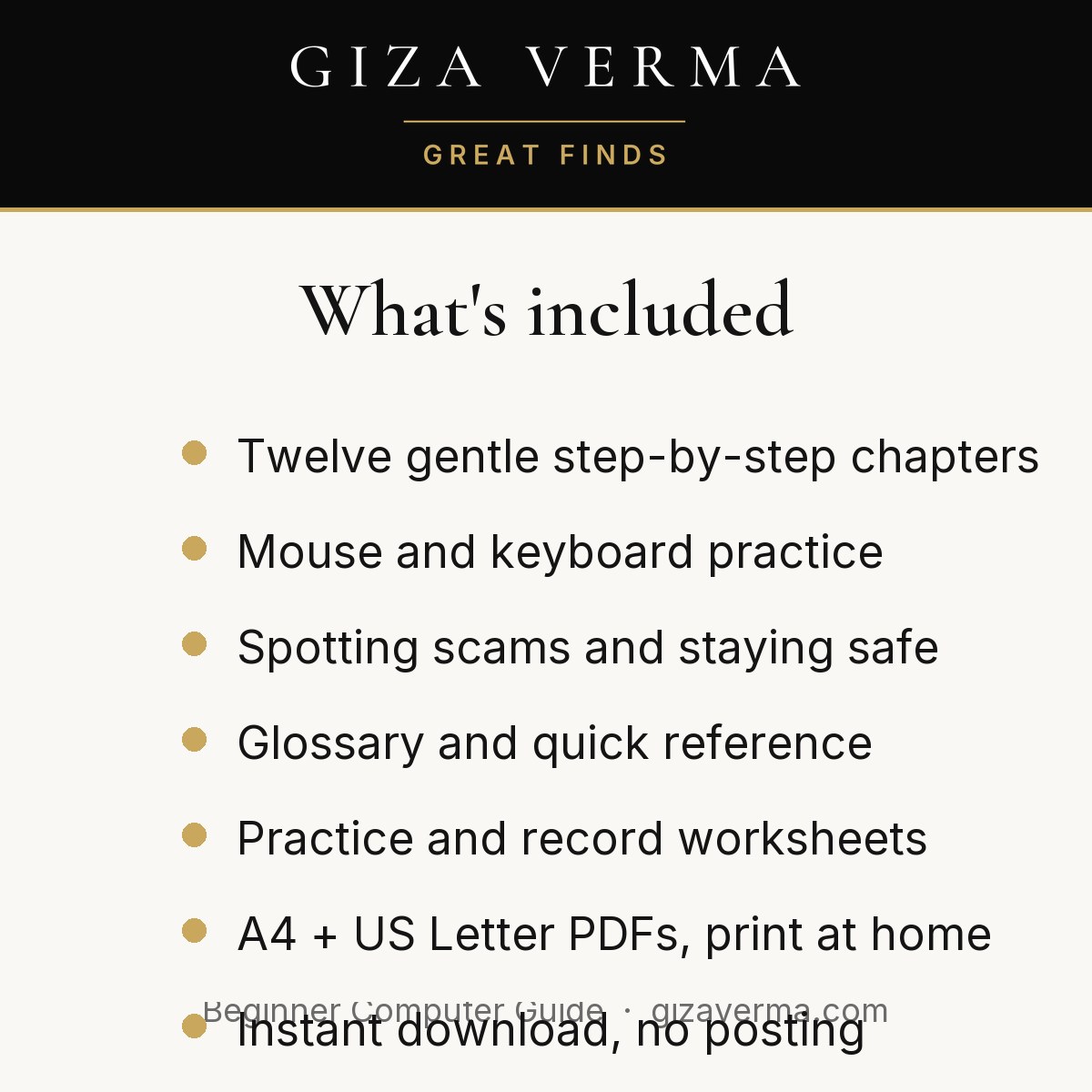
- Twelve gentle step-by-step chapters
- Mouse and keyboard practice
- Spotting scams and staying safe
- Glossary and quick reference
- Practice and record worksheets
How it works
- Instant PDF download after checkout – nothing is posted to you.
- Both paper sizes included: A4 (UK/Europe) and US Letter.
- Print at home or at a print shop, as many times as you like for your own family or classroom.
- 25 pages, high-quality 300 dpi.
Personal and classroom use only. Please do not resell or share the files. Full licence inside the PDF.




Reviews
There are no reviews yet.